Why Construction Needs Custom AI for Contract Review
Every general contractor has a contract review playbook, whether it’s a formal checklist or the mental framework your most experienced PM uses. The problem is that playbook lives in one person’s head, gets applied inconsistently across projects, and breaks down entirely when that person is on vacation or leaves the company.
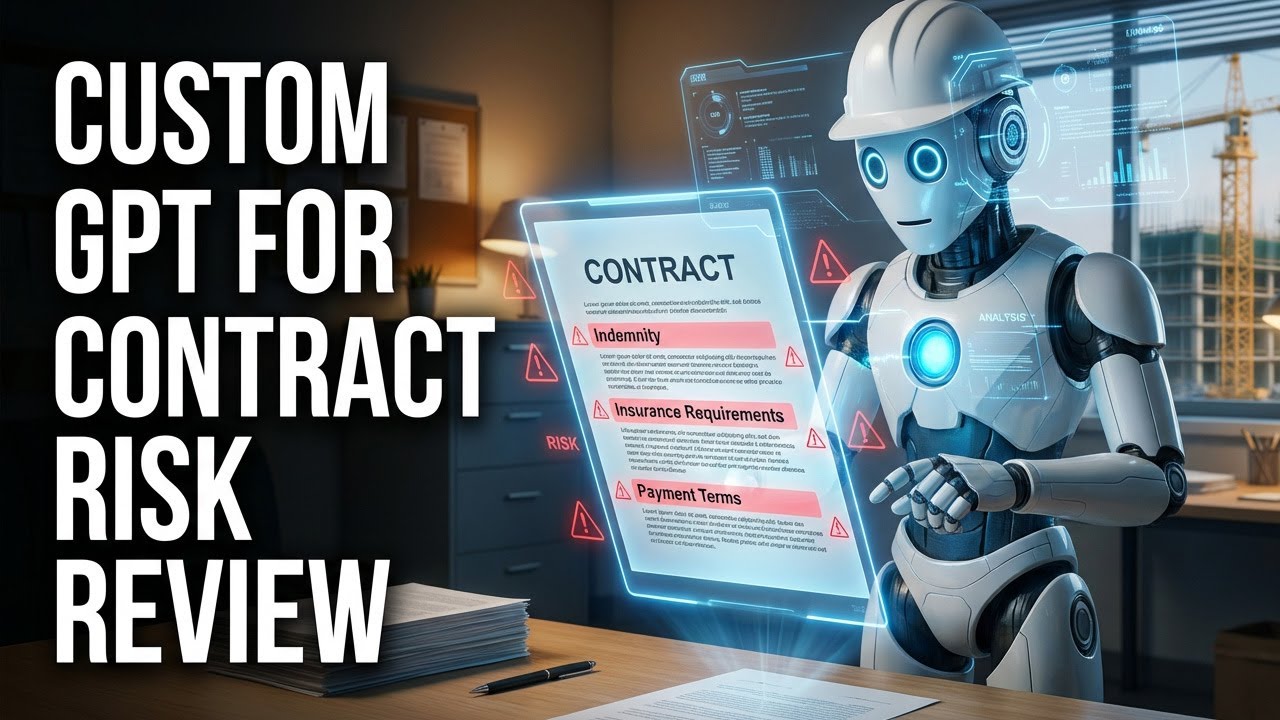
A custom GPT solves this by encoding your specific review criteria into an AI that applies them uniformly to every contract. Not generic “AI contract review”, your company’s exact risk thresholds, insurance minimums, indemnification requirements, and red-flag clauses.
Here’s what makes construction contract review different from generic document analysis:
- Industry-specific terminology: Retainage, liquidated damages, substantial completion, pay-when-paid vs. pay-if-paid. Your AI needs to understand these distinctions.
- Standard form deviations: AIA, ConsensusDocs, EJCDC, each has standard language. The risk isn’t in the standard clauses; it’s in the modifications. Your custom GPT should know your preferred standard and flag deviations.
- Cascading risk: A clause in Article 3 might seem innocuous until you read it alongside the indemnification in Article 11 and the insurance requirements in Exhibit C. AI for construction needs to connect these dots.
- Jurisdiction-specific requirements: Mechanic’s lien rights, prompt payment act requirements, and anti-indemnity statutes vary by state. Your review playbook should account for your operating jurisdictions.
A custom GPT pre-loaded with your playbook catches all of this consistently, every time, on every contract. No fatigue, no shortcuts, no missed clauses.
Building Your Contract Review GPT Step-by-Step
Here’s the practical walkthrough for building a custom GPT that reviews contracts against your criteria:
Step 1: Define Your System Prompt
The system prompt is the instruction set that tells your GPT how to behave. For contract review, it should include:
“You are a contract risk reviewer for a general contractor specializing in commercial construction. When a user uploads a contract document, analyze it against the risk criteria in the uploaded playbook. For each finding, cite the specific section number and page. Categorize risks as HIGH, MEDIUM, or LOW. If a provision is not found in the document, state ‘NOT FOUND IN DOCUMENT’, never guess or assume.”
Step 2: Upload Your Playbook
Create a document that captures your review criteria. Include:
- Insurance minimums (GL, umbrella, auto, workers comp, professional liability)
- Acceptable indemnification language and red flags
- Payment term requirements (retainage %, payment timing, lien waiver requirements)
- Change order procedures you require
- Warranty and defect provisions
- Dispute resolution preferences
- Jurisdiction-specific requirements for your primary markets
Step 3: Choose the Right Document Format
This matters more than most people realize for AI document analysis:
- Word (.docx): Best results. AI reads the text natively with perfect accuracy. Use this for contracts you receive in editable format.
- Native PDF: Good results. Text is selectable and readable. Most modern contracts arrive this way.
- Scanned PDF: Variable results. Quality depends on scan resolution and OCR accuracy. If possible, request the native version.
- Tip: When uploading contracts with exhibits, combine everything into a single file so the AI can cross-reference across sections.
Step 4: Test and Iterate
Upload a contract you’ve already reviewed manually. Compare the AI’s findings to your own. Refine your system prompt and playbook based on gaps. The first version won’t be perfect, plan for 3-4 iterations before your custom GPT matches your manual review quality.
Avoiding Hallucination Risk in Contract Analysis
AI hallucination (confidently stating something that isn’t true) is the biggest risk in contract review. A general AI might tell you “the indemnification clause in Section 7.3 is mutual” when Section 7.3 doesn’t exist in the document. In contract management, hallucination isn’t just annoying, it’s dangerous.
Here’s how to minimize hallucination risk in your custom GPT:
Require Citations: Your system prompt should mandate: “For every finding, cite the exact section number and page where this provision appears. If you cannot find a specific provision, state ‘NOT FOUND IN DOCUMENT.’”
Use Retrieval-Based Analysis: Structure your prompts to reference the uploaded document, not the AI’s general knowledge. “Based on the uploaded contract, what are the retainage provisions?” is better than “What’s a typical retainage provision?”
Implement Verification Steps: Build a two-pass system: First, have the AI extract key provisions with citations. Second, manually verify the three or four most critical findings against the actual document. This takes minutes, not hours, and catches any hallucination.
Set Confidence Boundaries: Instruct your GPT: “If a provision is ambiguous or you’re less than 90% confident in your interpretation, flag it as ‘REQUIRES HUMAN REVIEW’ rather than providing a definitive interpretation.”
Avoid Leading Questions: “Is the indemnification clause favorable to us?” invites the AI to find evidence supporting a conclusion. Better: “Extract the indemnification provisions and describe the obligations of each party.”
The honest truth: AI contract review with proper hallucination guardrails is often more thorough than a rushed human review. The AI doesn’t skip pages, doesn’t skim boilerplate, and doesn’t assume standard language is actually standard. It checks everything, you just need to verify its work on the critical points.
From Custom GPT to Full Contract Lifecycle Management
A custom GPT is an excellent starting point, but it’s still a tool you use manually. Upload a document, ask questions, review answers. For a prime contractor managing 10-20 active projects with 30+ subcontractors each, the math doesn’t scale.
The progression from custom GPT to full contract lifecycle management looks like this:
Custom GPT (Where You Start): Manual upload, manual review, one document at a time. Great for high-value contracts that deserve dedicated analysis. Builds your team’s AI literacy and helps refine your review criteria.
Templated Workflows (Next Step): Create standardized prompts for different contract types: subcontracts, purchase orders, change orders, professional services agreements. Your team follows a consistent process for each type.
Integrated Platform (Scale): Purpose-built contract management software that handles the full lifecycle: automated intake from email, AI-powered review against your criteria, routing for approval, e-signature execution, compliance monitoring, and renewal tracking. The review criteria from your custom GPT become rules in an automated system.
Autonomous Management (Destination): AI agents monitor your entire contract ecosystem continuously. New documents are processed automatically. Compliance gaps trigger automated follow-ups. Expirations generate renewal workflows. Humans handle exceptions and strategic decisions, everything else runs on autopilot.
Most construction companies should start with a custom GPT to prove the value and refine their criteria. But the goal is contract lifecycle management that automates the entire workflow, not just the review step.
Frequently Asked Questions
What is a custom GPT for contract review?
A custom GPT is a personalized ChatGPT instance pre-loaded with your company’s contract review playbook, risk criteria, and standard terms. Instead of generic AI analysis, it evaluates every contract against your specific requirements, insurance minimums, indemnification preferences, payment terms, and red-flag clauses.
Can AI replace contract review in construction?
AI augments contract review, it doesn’t replace professional judgment. A custom GPT provides a thorough, consistent first pass that catches issues humans might miss during manual review. Critical findings should always be verified by qualified personnel, especially for high-value contracts or unusual provisions.
How do I prevent AI hallucination in contract analysis?
Require citations for every finding (“cite section number and page”), use retrieval-based prompts that reference uploaded documents, instruct the AI to say “NOT FOUND” rather than guess, and always cross-reference the AI’s most critical findings against actual contract language. See our guide on AI document analysis for detailed prompting strategies.
Should I upload contracts as PDF or Word to ChatGPT?
Word (.docx) files generally produce the best results. AI reads the text directly with perfect accuracy. Native PDFs with selectable text work well too. Avoid scanned image PDFs without OCR preprocessing, as text extraction quality varies significantly with scan resolution.
What’s the difference between a custom GPT and contract management software?
A custom GPT is a review tool, you upload documents one at a time and ask questions. Contract management software is a full system that automates intake, routing, tracking, compliance monitoring, and workflow execution across your entire portfolio. Think of the custom GPT as the brain; contract management software is the brain plus the body.